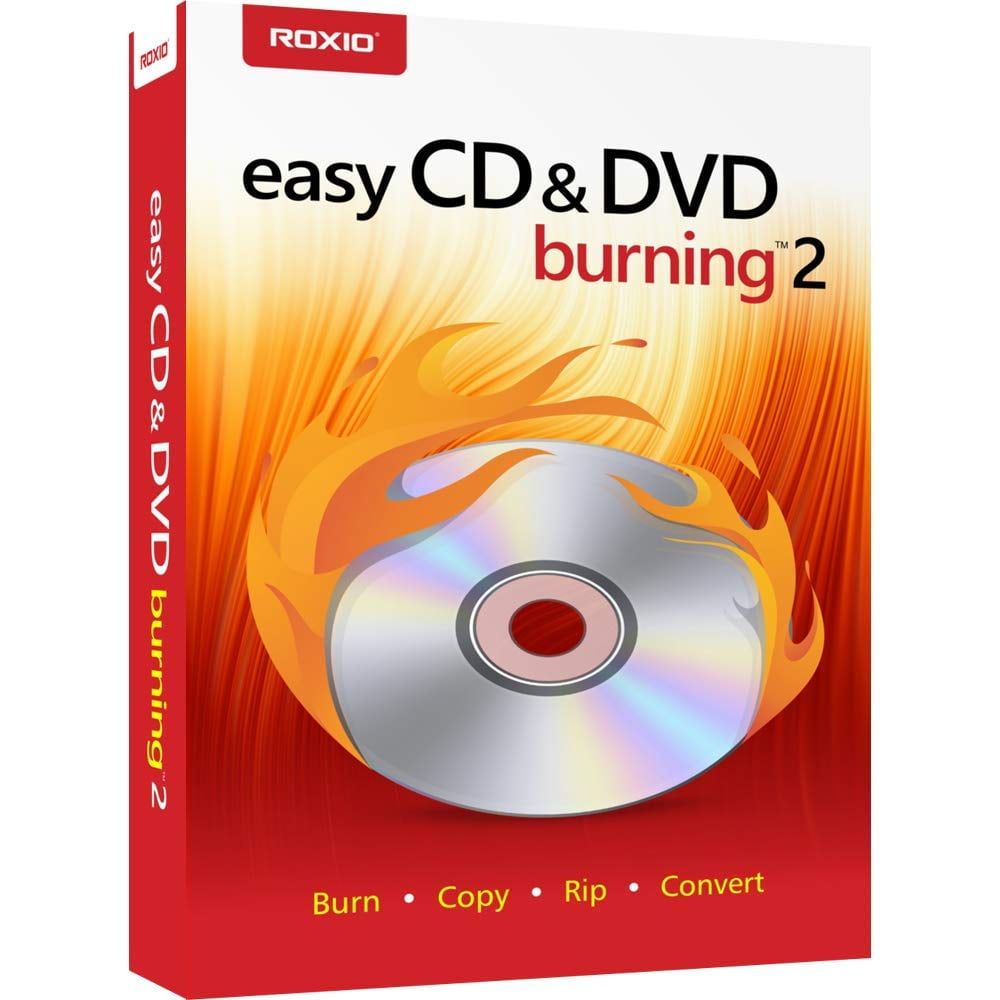
Roxio Easy CD & DVD Burning 2 - Disc Burner & Video Capture
Product details
| Management number | 254800317 | Release Date | 2026/11/07 | List Price | US$16.09 | Model Number | 254800317 | ||
|---|---|---|---|---|---|---|---|---|---|
| Category | |||||||||
Burn and copy your favorite music, photos, videos and data files to CD and DVD with Roxio easy CD and DVD burning 2. Burn your favorite music, photos, videos, and invaluable data files to disc right from your desktop with the Roxio burn desktop widget. Save music mixes, video backups and other large files across multiple discs. Craft your perfect music playlist or create custom CDs with cross-fades and personalized disc labels. Turn your old cassettes into digital files, removing pops and clicks. Enhance and preserve your photos with red eye removal, cropping, and brightness adjustments. Import photo or video files and create slideshows and home movies with professional transitions, menus and music. If your computer can read it, easy CD & DVD burning 2 can burn it!.
- Easily copy and burn CDs and DVDs in minutes, right from your desktop. Preserve your photos, secure video backups, and create custom music CDs
- Capture or import your videos. Plus, author DVDs with chapters, menus and personalized disc labels
- Convert CDs, LPs, and cassettes to digital audio files. Capture audio from online, or import music directly to your playlist to create custom audio CDs
- Save time by quickly burning audio CDs. Archive photo and video backups and other large files across multiple discs
- Make quick photo edits. Easily correct and preserve photos with cropping tools, red-eye removal, and more
- Your Industry Leading CD & DVD Burning Toolkit Preserve Your Irreplaceable Files in a Few Easy Clicks Peace of mind comes from knowing where your irreplaceable data lives. Why not use the industry’s leading toolkit to burn and copy CDs and DVDs in a few easy clicks? Burn your favorite music, photos, videos, and invaluable data files to disk right from your desktop with the Roxio Burn desktop widget. Create custom music CDs, convert audio CDs into digital files—even burn ISO image files! Add chapters and menus to your DVD for a cinematic experience. If your computer can read it, Easy CD & DVD Burning 2 can burn it!
- Minimum System Requirements Internet connection required for installation, registration, updates & some features Windows 10/Windows 8.x/Windows 7 SP1 Multimedia compliant CD/DVD recordable drive 1 GB free hard disk space to install 1.6 GHz Intel Pentium 4 or equivalent; 256 MB RAM
- Quickly burn photos, videos, data and audio to disc
- Easily copy discs, create ISO image files
- Conveniently author DVDs with chapters and menus
- Make effective photo and video edits
- Backup and archive data to disc easily
- Burn & Copy Easily burn, rip, or copy CDs and DVDs. Back up your valuable data for complete peace of mind, with the option to span multiple discs for larger files. Burn and copy discs directly on your desktop with the Roxio Burn desktop widget.
- Author Multiple Video Disc Formats Import video to your PC and create home movies with menus and chapters. Choose from themed templates and customize with titles, images, and music. Easily burn to Video CDs, SVCDs or DVDs, and play them back on your home DVD player.
- Quick Photo Editing Enhance photos with cropping, red-eye, and special effect tools and use them to create stunning slide shows. Organize and preserve your meaningful photos into digital photo albums. Easily backup photos and burn to disc.
- Capture and Burn Audio Easily import from CD, play, edit, organize, burn and share music. Get creative with your own music CD mixes by adding cross-fades and other effects or with a personalized disc label. Don't miss out on listening to your older favourites - import from CD or digitalize your old LPs and cassettes.
| Computer Software Type | Image, Video & Audio Software |
|---|---|
| Operating System | Windows 10; Windows 8.x; Windows 7 SP1 |
| System Requirements | 1 GB free hard disk space to install 1.6 GHz Intel Pentium 4 or equivalent; 256 MB RAM |
| Brand | Corel |
| Number of Users | 1 |
| Physical Media Format | CD |
| Version | 2 |
| Product Line | Roxio Easy CD & DVD Burning |
| Model | RECDB2MLMBAM |
| Required Peripherals | Multimedia compliant CD/DVD recordable drive |
| Manufacturer | Corel Corporation |
| Has Written Warranty | No |
Bestseller ranking
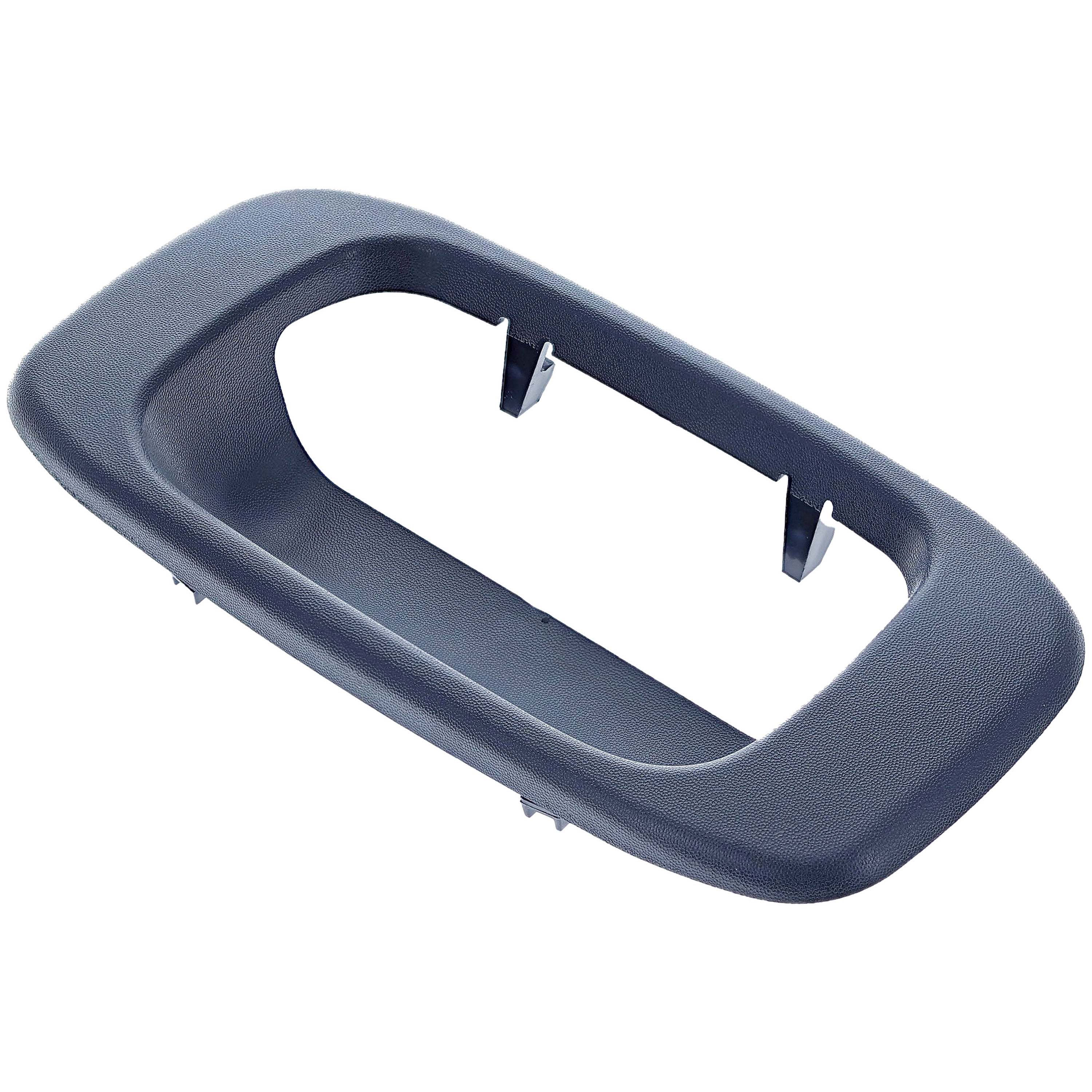
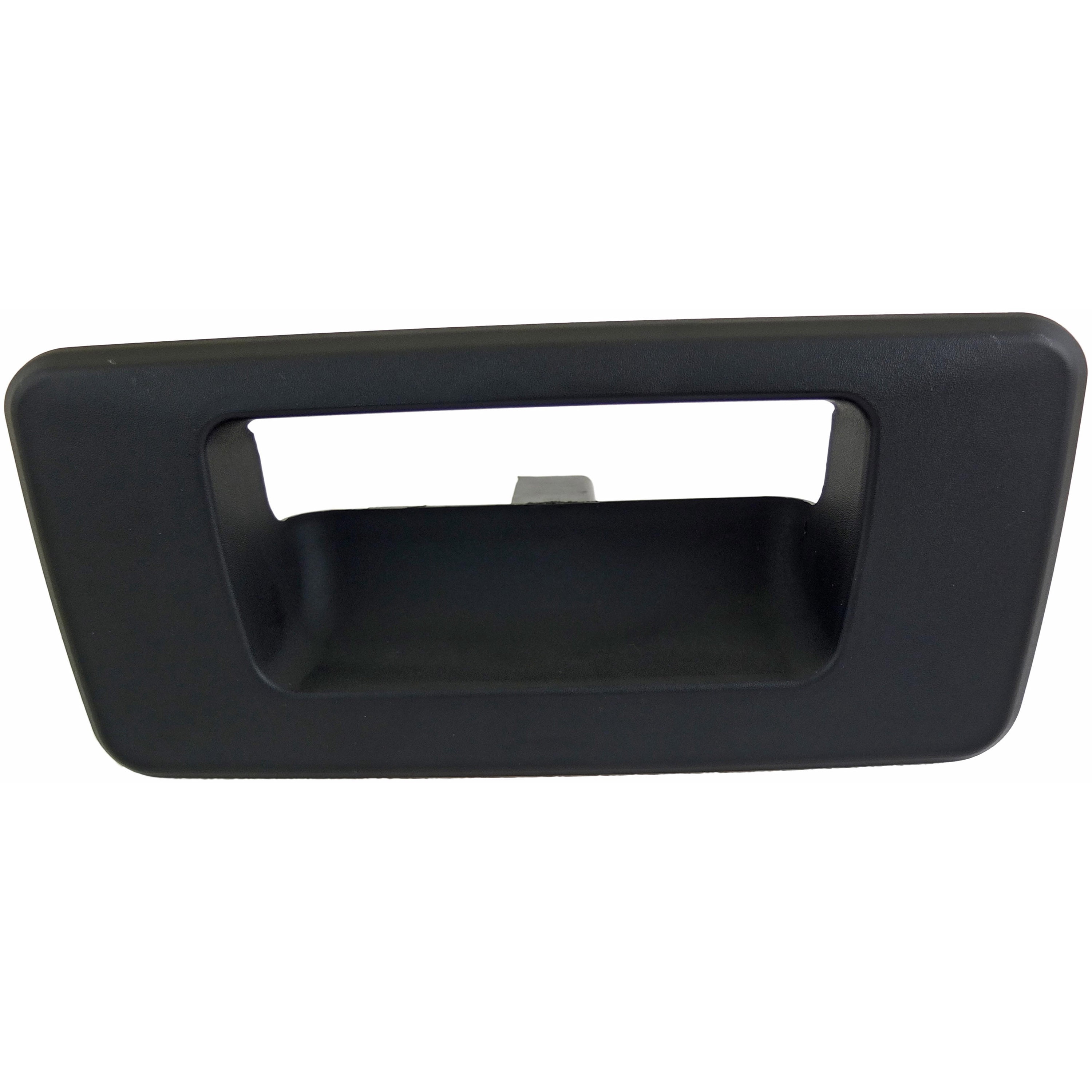
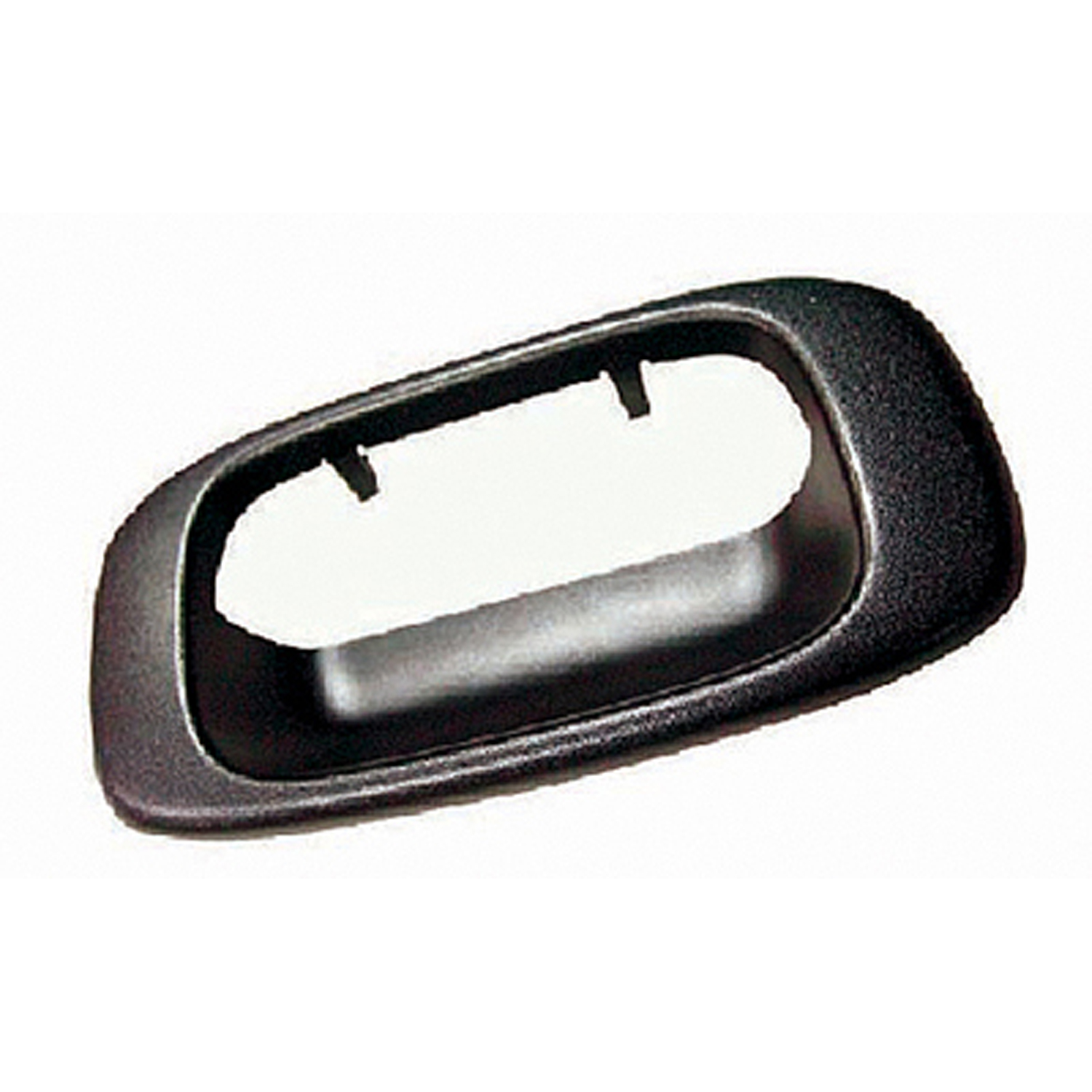
Tailgate Handle Bezels
Correction of product information
If you notice any omissions or errors in the product information on this page, please use the correction request form below.
Correction Request Form